 Sealkeep
Your private things, sealed.
Sealkeep keeps photos, videos, documents and notes in an encrypted vault on your iPhone. Only your passcode opens it. No account, no servers.

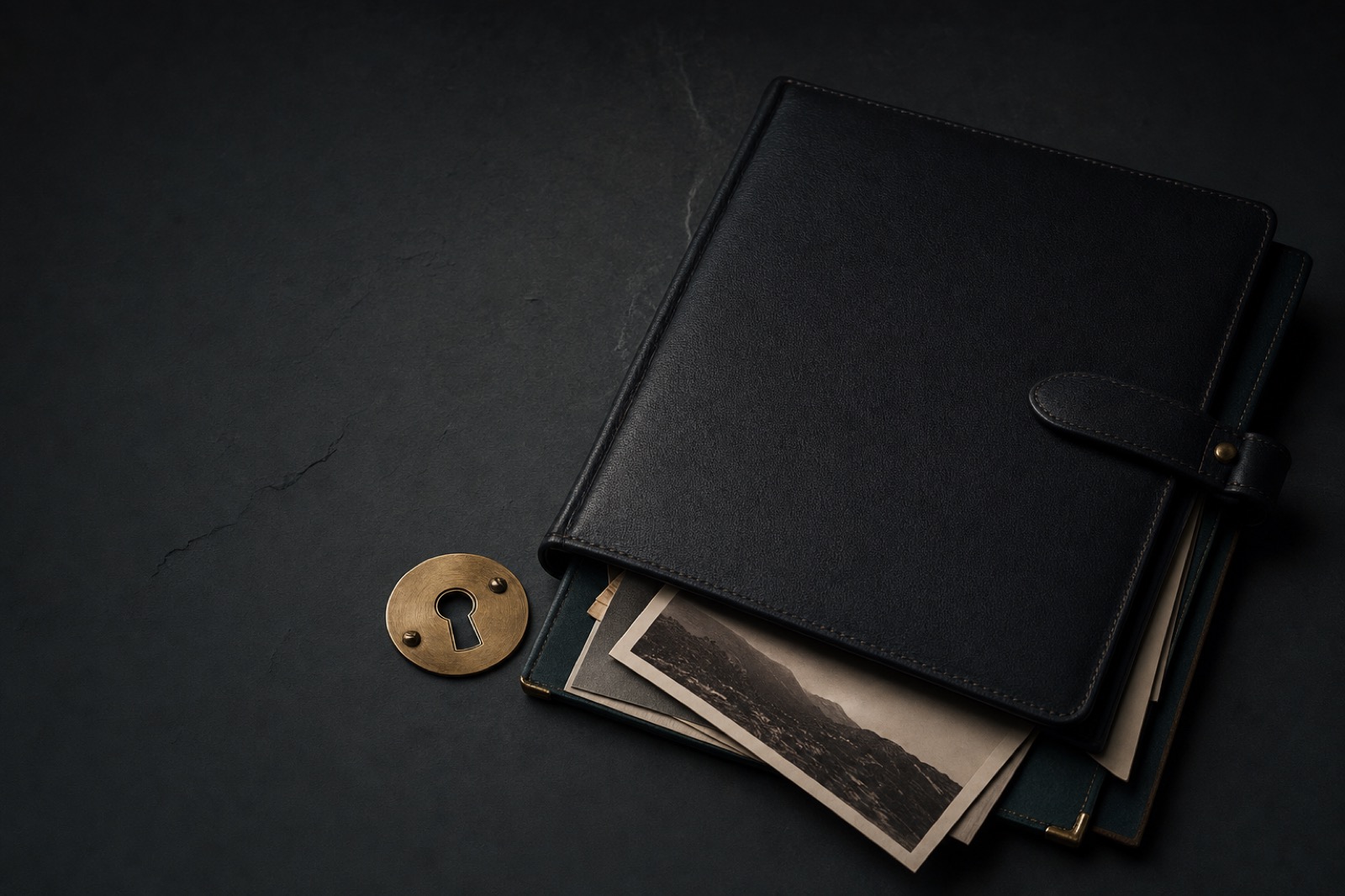

Photos and videos
Albums, favorites and a private camera. Import from your library, then delete the originals.
Documents of any kind
Passports, contracts, statements. Organized in folders, with preview and a document scanner.
Encrypted notes
Codes, account numbers and private thoughts, encrypted like everything else.
Hidden vaults
A second passcode opens a separate decoy vault. Nothing shows that others exist.
How it works
Set a passcode
Choose a 6-digit or custom passcode and turn on Face ID if you like. Save your recovery key somewhere safe.
Add your things
Import photos and videos from your library and delete the originals in one step. Scan documents, write notes, or add files from any app through the share sheet.
Close the app
Sealkeep locks when you leave it or place your iPhone face down. Your vault stays encrypted until your passcode opens it.
Security, in numbers
- AES-256-GCM encryption for every photo, video, file, thumbnail and note
- A key derived from your passcode with 1,000,000 rounds of PBKDF2
- No account, no servers, no tracking
- Break-in alerts after three wrong passcodes, with an optional photo of whoever tried
- Never shown in the app switcher or in screen recordings
Free and Pro
Free
Up to 50 items. Photos, videos, files and notes, the private camera, the document scanner, Face ID and break-in alerts.
Sealkeep Pro
Unlimited items, hidden vaults with a duress passcode, encrypted iCloud backup, intruder photos and alternate app icons.
Pro is a yearly plan with a free trial, or a one-time purchase. The App Store shows the price in your currency. No account needed: purchases are tied to your Apple Account.
Questions
Can Sealkeep see my photos?
No. Everything is encrypted on your iPhone with a key that only your passcode unlocks. There is no account and no Sealkeep server.
What if I forget my passcode?
Use the recovery key you saved during setup. Without the passcode or the recovery key, nobody can open the vault, including us.
How is this different from the iPhone's Hidden album?
The Hidden album hides photos behind Face ID inside Photos. Sealkeep encrypts every item, and it also keeps documents and notes.
What is a hidden vault?
A second passcode opens a separate vault with its own photos, files and notes. Nothing in the app shows how many vaults exist.
What does the duress passcode do?
It's a second passcode you can add to any vault. It opens that vault as usual and silently erases every other vault on this iPhone. Face ID never triggers it, and your encrypted iCloud backup is kept.
How does backup work?
With Pro, your vault is copied to your own private iCloud, already encrypted. Restore it on a new iPhone with your passcode or recovery key.
Does Sealkeep track me?
No. The app has no analytics, no ads and no tracking.
Do I need an account to buy Pro?
No. Purchases are tied to your Apple Account.